NewFaciey is live on AndroidSee what's newJoin the communityJoin the Telegram community
FacieyFaciey
FeaturesHow It WorksBe FoundWhat's NewSafety
Scan a face
Live scan

Point your camera. Watch the room resolve.

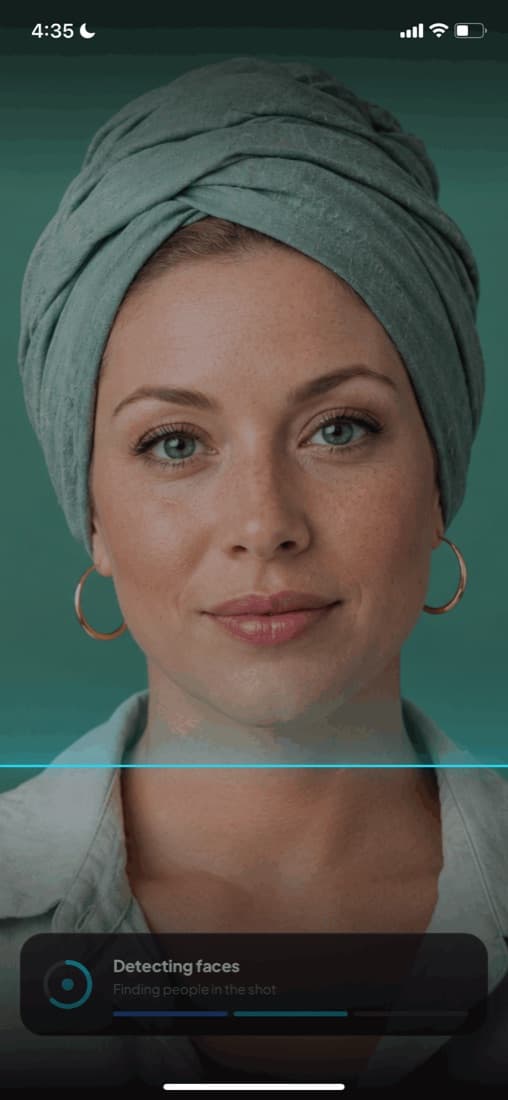
Live scan runs face recognition on the camera feed itself. Hold your phone up and profiles appear against faces as they come into frame — no photo to take, no upload to wait for.

Try a photo scan on the web

Get it on

Google Play

Free on Android, free forever.

Real time, not a round trip

Uploading a photo and waiting for a result is fine at a desk and useless at an event. Live scan keeps an open connection while the camera runs, so matches arrive as faces appear rather than after you have put your phone away.

Only frames containing a face are ever sent, which is what keeps it quick and keeps the bandwidth sane. Faces that match nobody are simply never stored.

Only people who chose to be there

Live scan can only ever surface people who added their own face and switched discoverability on. Everyone else is invisible to it, permanently and by default — pointing a camera at a crowd does not identify strangers.

Anyone can hide mid-session, and hiding takes priority over any subscription. A paying user does not get to see someone who chose not to be seen.

How live scan works

1

Open the scanner

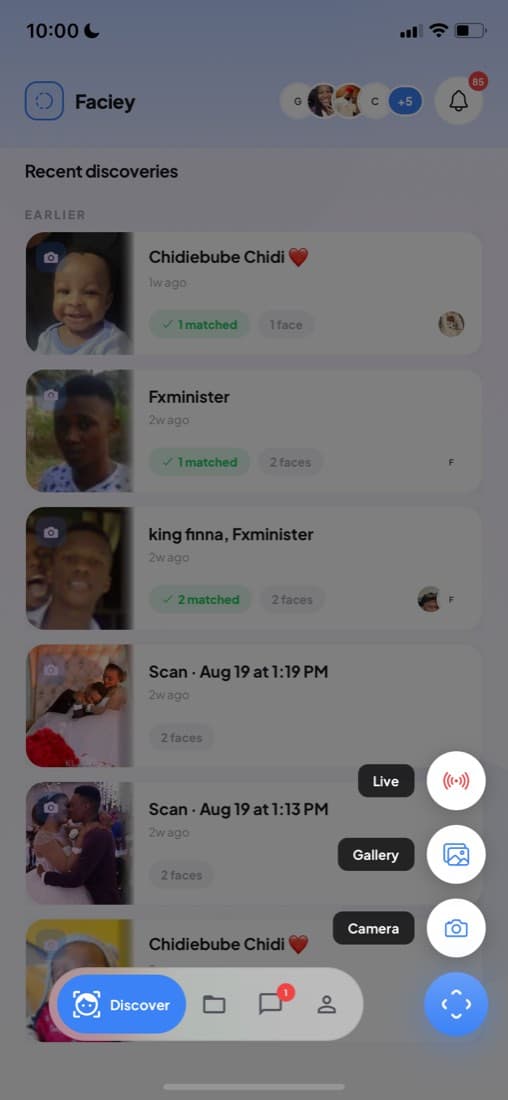
Start a live session from the app. It stays open until you end it, so you can keep moving through a room.

2

Faces resolve as they appear

A card surfaces next to each matched face with their name and links. Unmatched faces are ignored rather than saved.

3

Save the session

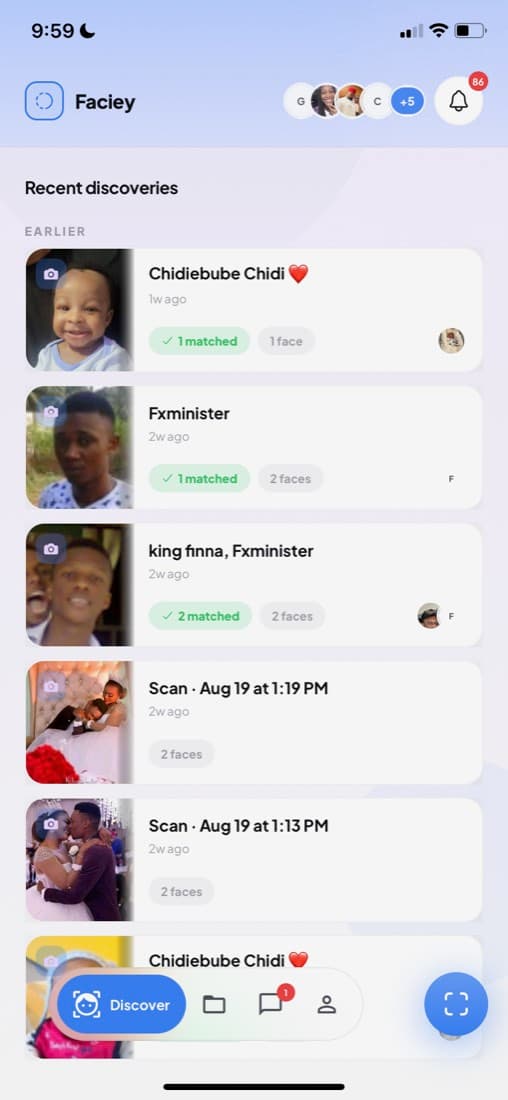
Name it and keep it. You can re-run an old session later against everyone who has joined since, so a dead end today can become a match next month.

What makes it different

Continuous

One open session for a whole event rather than a scan at a time.

Several faces at once

A group in frame resolves in parallel, not one after another.

Hide mid-session

Anyone can drop out of being visible instantly, and it takes effect immediately.

Frequently asked questions

Does live face recognition work on strangers?

Only if that person joined Faciey and chose to be discoverable. Faciey has no database of people who did not opt in, so pointing the camera at a crowd shows nothing for anyone who is not a user.

Is live scan available on iPhone?

Live scan is on Android today. The iPhone version is in progress — leave your email on the App Store button and we will tell you the moment it lands.

Are the camera frames stored?

Frames are processed to find faces, and only a matched result is kept as part of a session. Faces that match nobody are not stored.

Can I stop appearing in other people’s live scans?

Yes. You can hide for one session or for all scans, and hiding always beats any subscription someone else is paying for.

Scan a room in real time

Live scan is free on Android, with the iPhone version on the way.

Get it on

Google Play

Or try it on the web Join the Telegram
FacieyFaciey

Shazam for faces. Linktree for identity.
Your face is your URL.

Product

  • Features
  • How It Works
  • Scan a Face
  • Be Found by Face
  • Link in Bio With Face
  • Get Discovered
  • What's New

Discover

  • Reverse Face Search
  • Identify From a Photo
  • Find Someone From a Video
  • Live Face Recognition
  • Find a Creator
  • Face Recognition App
  • Browse People

Legal

  • Safety
  • Privacy Policy
  • Terms of Service
  • Contact

© 2026 Faciey. All rights reserved.

Join the Telegram

Opt-in only. Privacy first. Always.