
1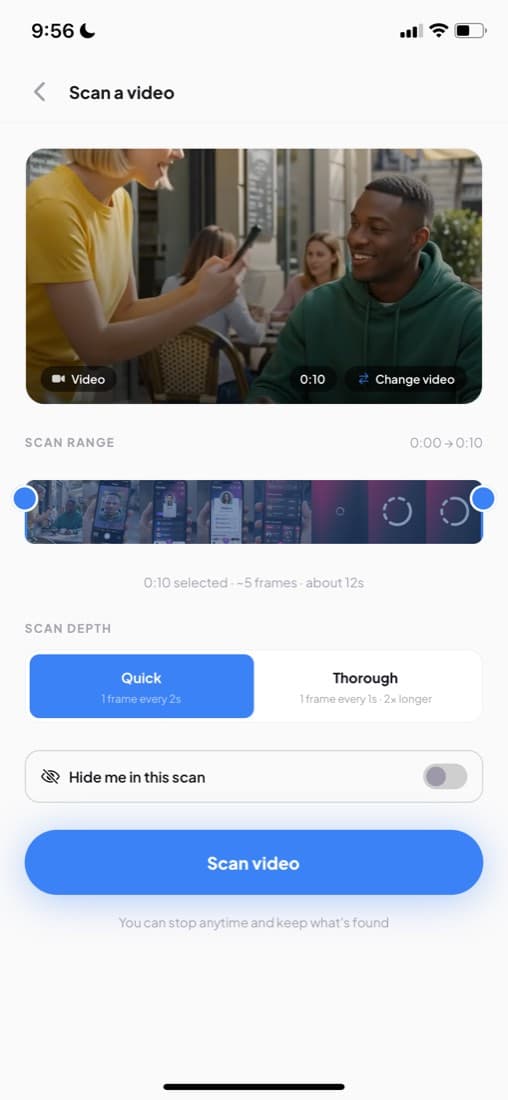
Take the frame
Screenshot the clearest moment — or in the app, trim the video to the seconds they are in.
Find a creator from a video
A reposted reel, an ad, a clip with the handle cropped off. Screenshot the frame and scan the face — or hand the whole video to the app and let it pull the faces out.
Free on the web · video scanning is in the app
Faciey is a face-recognition app. People add their own face and the links they publish; anyone who sees them can scan the face and reach all of it. Nobody is in it who did not put themselves there.
How it worksThe method
Reposts strip credit. A clip that started on TikTok arrives on your feed with the watermark cropped, the caption rewritten and the handle gone — and the one thing still in the frame is the person's face. That is the part worth searching.
On the web, screenshot the moment their face is clearest and scan the image. In the app you can skip the screenshot: hand over the video, trim to the seconds they appear in, and the distinct faces come back as cards.
Three steps
Screenshot the clearest moment — or in the app, trim the video to the seconds they are in.
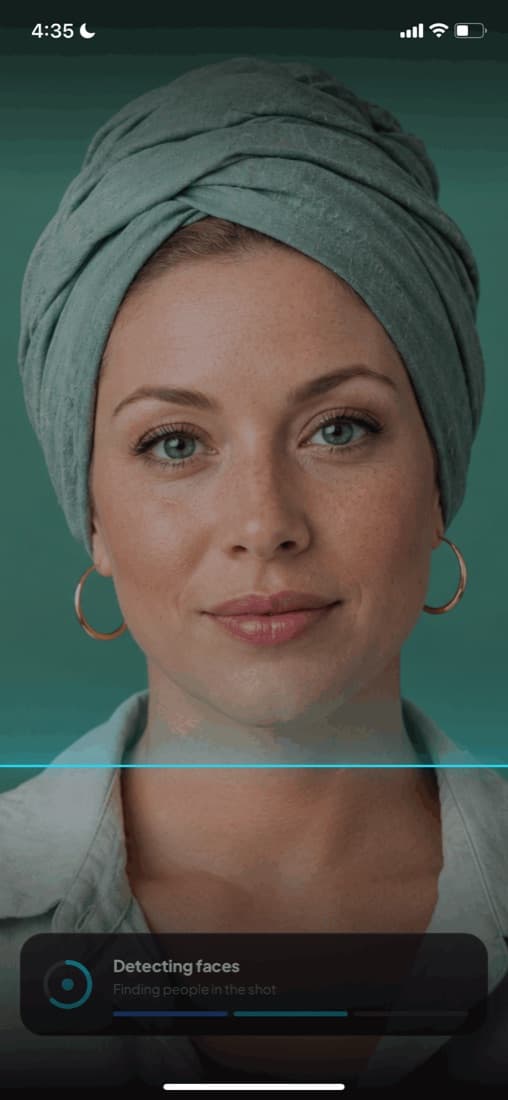
Every face in the frame is detected and matched separately against people who chose to be findable.

Their name, their verified badge and every platform they publish on.
Works for any kind of video
Reposted, cropped, re-captioned — the face survives all of it.
The person selling it is usually the person you wanted to follow.
Dancers, guests, the person in the background you noticed.
Something you filmed at an event, full of people you never got the names of.
Take a screenshot of the video frame showing the creator's face. Upload it to Faciey at faciey.com/scan. Faciey identifies the face and shows you the creator's name and all their social media profiles.
Screenshot the ad or pause the video. Upload the image to Faciey. If the person in the ad has a Faciey profile, you'll see their name, verified badge, and social handles in seconds.
Yes — screenshot a frame from the YouTube video showing their face, upload it to Faciey, and if they're on Faciey their Instagram and other social handles will appear in the results.
Save or screenshot any image where their face is clearly visible. Upload it to Faciey's scanner. Faciey returns their profile with all linked platforms — Instagram, TikTok, YouTube, X, and more.
Your face is the only credit that survives a crop. Put your links behind it and every stolen repost still points home.