
A reel gets screenshotted, a story gets grabbed, a photo gets cropped and reposted. Your handle is nowhere on the file that travels.
For creators and public figures
Every “I know you from somewhere” should end on your page.
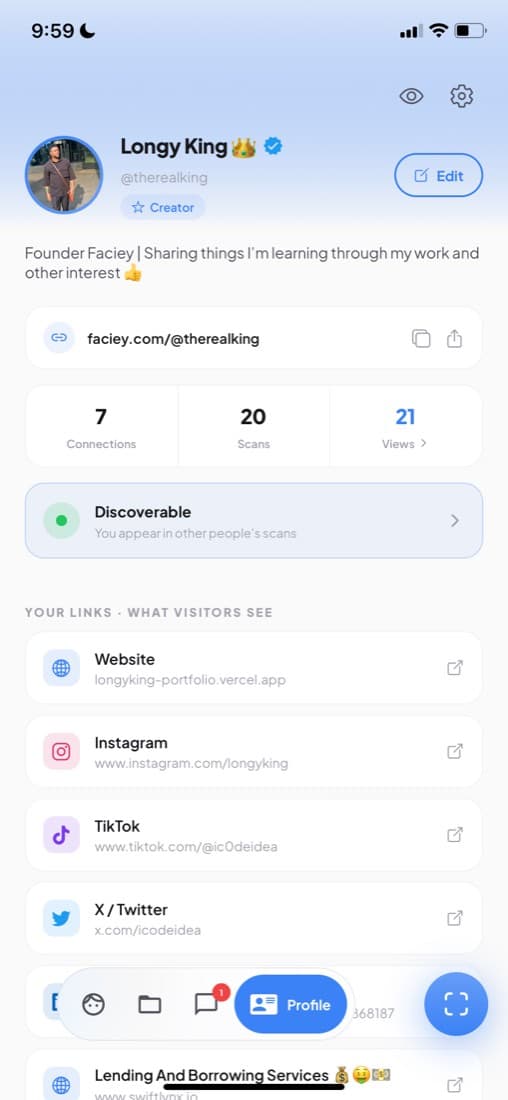
You get recognised from a reel, at an event, in somebody's camera roll — and that is where it stops, because nobody can spell your handle. Add your face once and every link you own sits behind it.
- Free to start
- Found from a photo, video or live camera
- Findable only when you say so
Free on iPhone and Android · takes about a minute
InstagramTikTokYouTubeYour shopBookings
The gap
Being recognised is not the same as being found.
The reach is already yours. What leaks is the last step — the moment someone wants more of you and has nothing to type.
Spelled out over music, typed with one letter wrong, forgotten by the time they get home. Every missed character is a follower you had already earned.
Tags and search need a name. The people meeting you for the first time — the ones worth the most — are exactly the ones who do not have it.
Your face is the one thing that travels with the photo. Make it the link.
About a minute, once
How you become findable
You do this once. After that it works while you are asleep, on footage you have never seen, in photos you were never sent.
1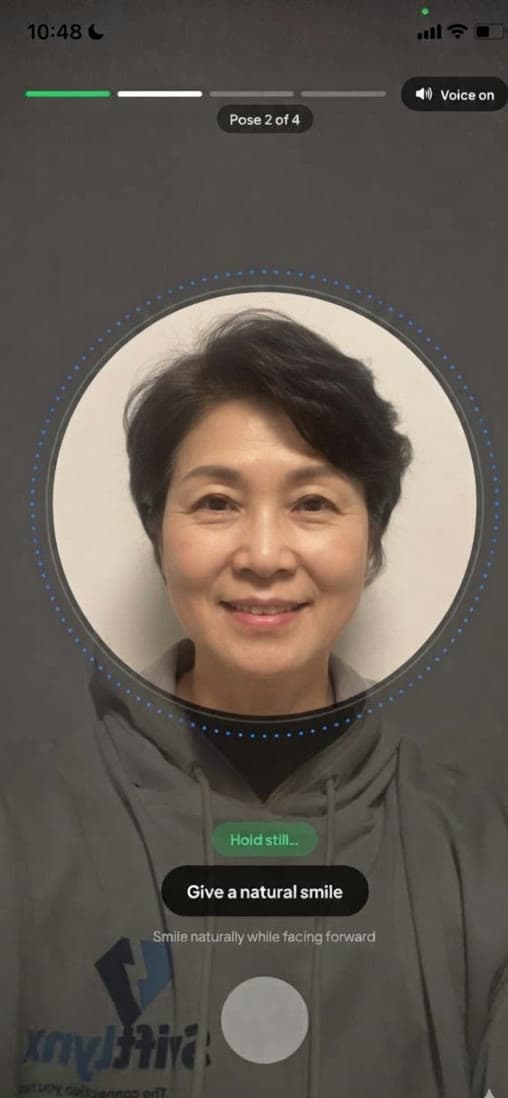
Prove the face is yours
Four guided poses, about twenty seconds. A photo of a photo will not pass — which is what stops anyone else putting your face on their profile.
How verification works2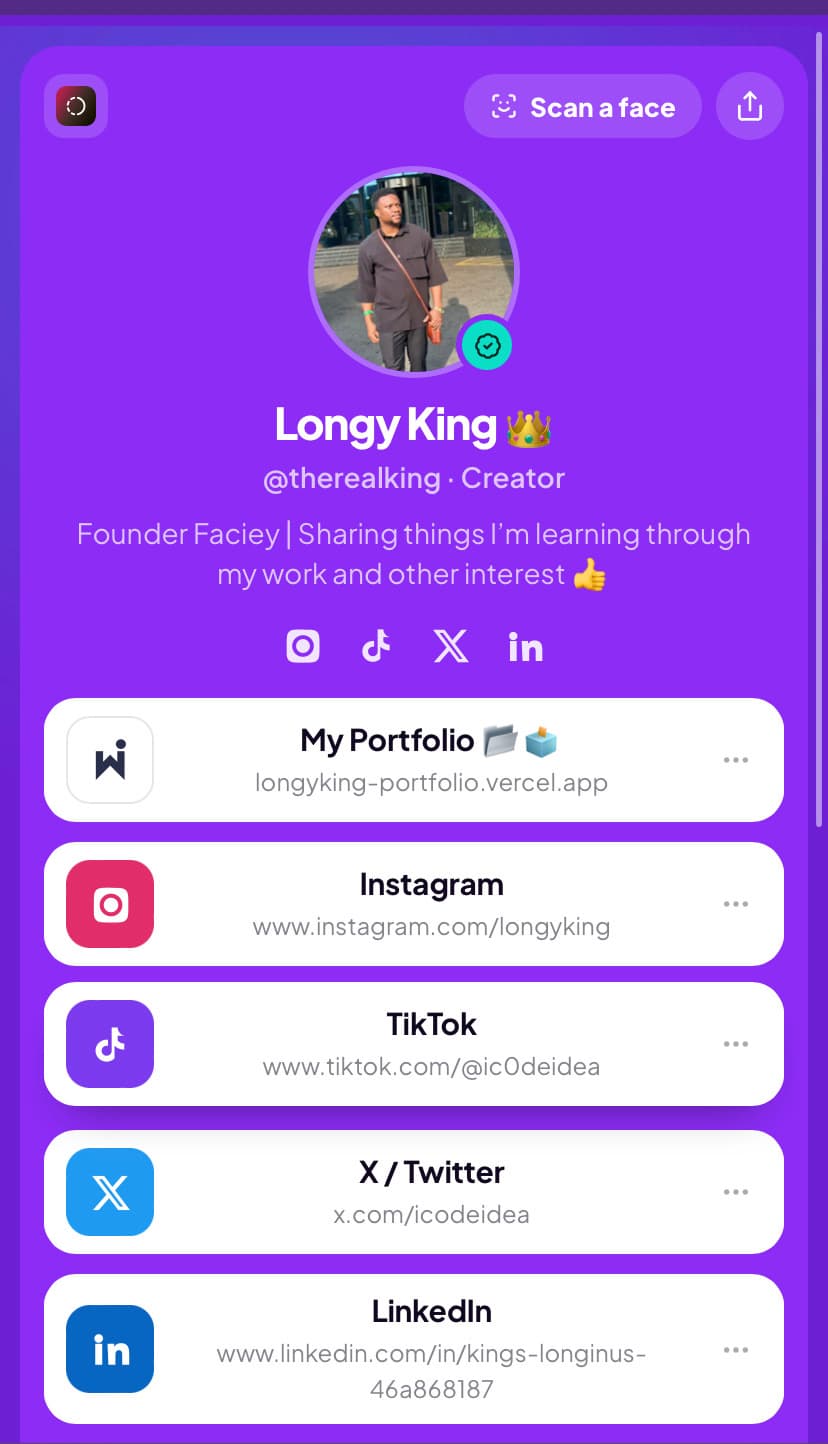
Put everything behind it
Instagram, TikTok, YouTube, your shop, your booking page, your newsletter. One face, and every door you own opens from it.
Your link in bio, with a face3
Switch discoverability on
Now a photo of you leads to your page. It stays off until you turn it on, and goes off again in one tap.
What people see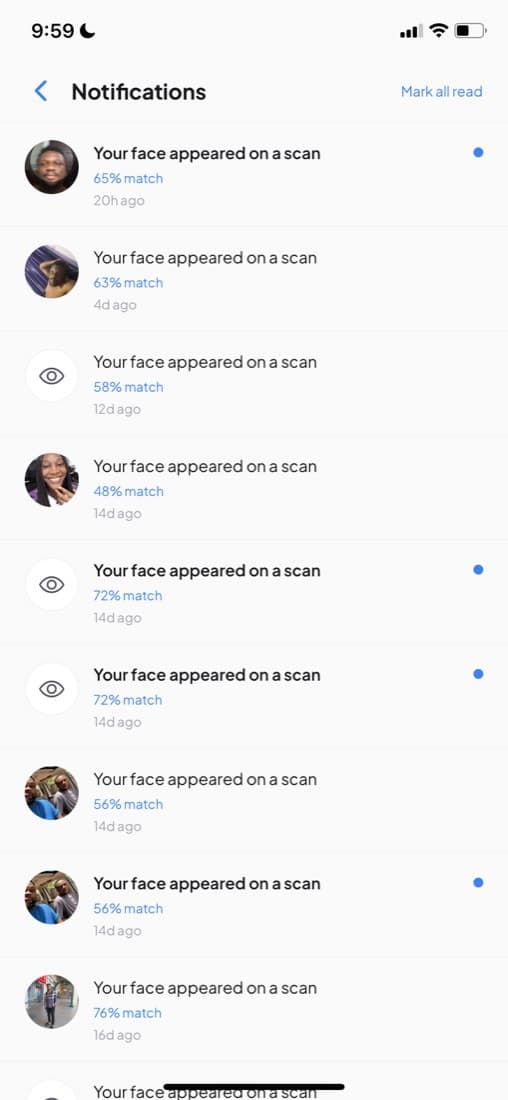
The moment it pays off
Someone points a camera at you. You gain a follower.
A stranger scans a photo you are in — a group shot, a reel, a live camera in the room — and instead of a dead end, they get you.
- You are told, every time. Who found you, how strong the match was, and when.
- They land on everything you own. Not one profile — the whole list, in your order.
- You see what it is worth. Scans, profile views and taps per link, so you know which room actually converts.
- You can vanish from any single scan. One tap, that one person, without switching anything else off.
What comes with the face
A profile that works when you are not there
All of it is in the app today. Tap through for what each one actually does.
Verification
The tick that means the face is really yours — and the reason an impersonator cannot take it.
See itPhotos of you
Pictures other people scanned you into, gathered in one place. Say “that's me” and keep them.
See itAnalytics
Scans, views and clicks per link. Which event, which post and which link is doing the work.
See itConnect and chat
Someone found you and wants to work with you. They can reach you here, without either of you handing over a number.
See itSessions
Every scan you run, kept — the faces, the matches, and where you met them.
See itFree, and what is not
The face profile, the links and being findable cost nothing. See where the paid line sits.
See itAnd the part everyone asks about
You decide who can ever find you.
Being findable is a switch you own, not a setting we assume. Nothing here happens to you — all of it happens because you turned it on.
A new account is invisible. Your face matches nothing until you switch discoverability on yourself.
Someone you would rather not meet again sees nothing — even on a paid plan, even with a perfect match.
How hiding works →One tap removes your faceprint permanently. No archive, no grace period, no copy kept for later.
How we handle faces →Who this is for
People who are already seen, and still not found.







Take your face link.
Pick the name now — the app is where you add the face and the links. About a minute, and it costs nothing.